🙉 Unsubscribe Link & Page
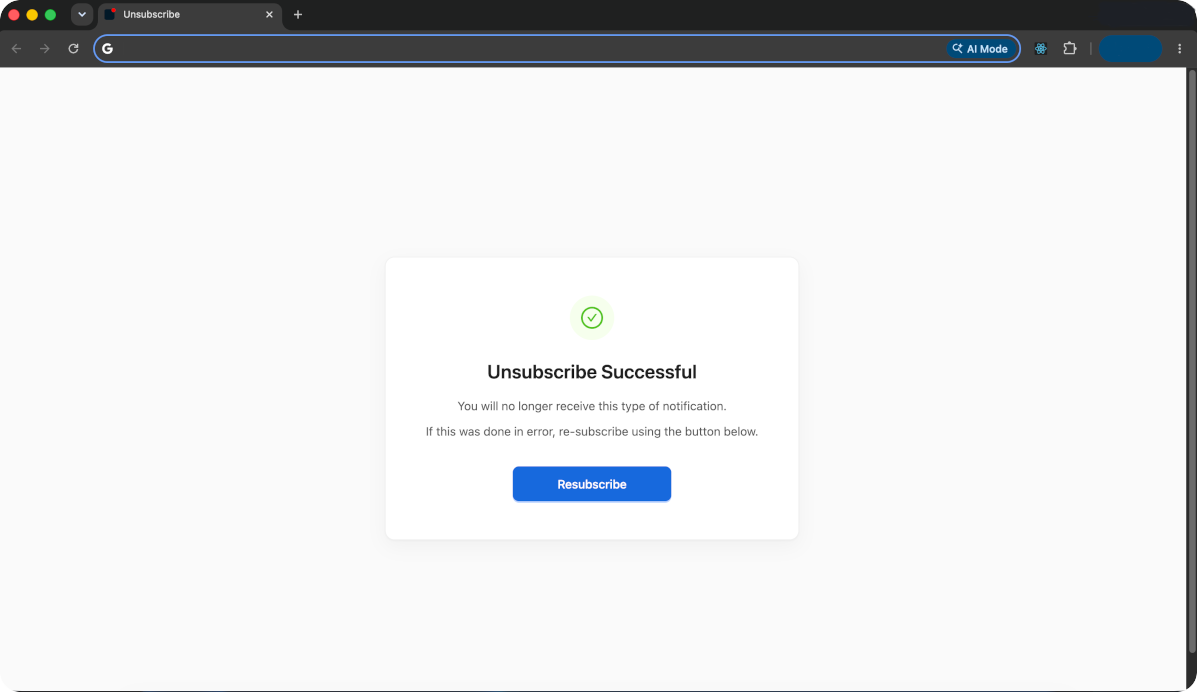
Email best-practice recommends including a “One-Click Unsubscribe Link” in your emails. This URL, upon being opened should automatically unsubscribes the user from that notification. It can also show some content with your branding and message.
Pingram automatically generates this URL and the page out-of-the-box, without any coding! This URL only unsubscribes the user from one particular type of notification, e.g. “System Alerts” on Email, not every notification.
Why is this important?
With Emails, it is important to provide an easy way for users to unsubscribe. Otherwise, frustrated users will mark your notifications as spam, resulting in them not receiving ANY further communications from you. Also spammed communication will signal email servers or telecom services to suspect your domain, leading to a reduced delivery rate or completely blocking your domain’s messages.
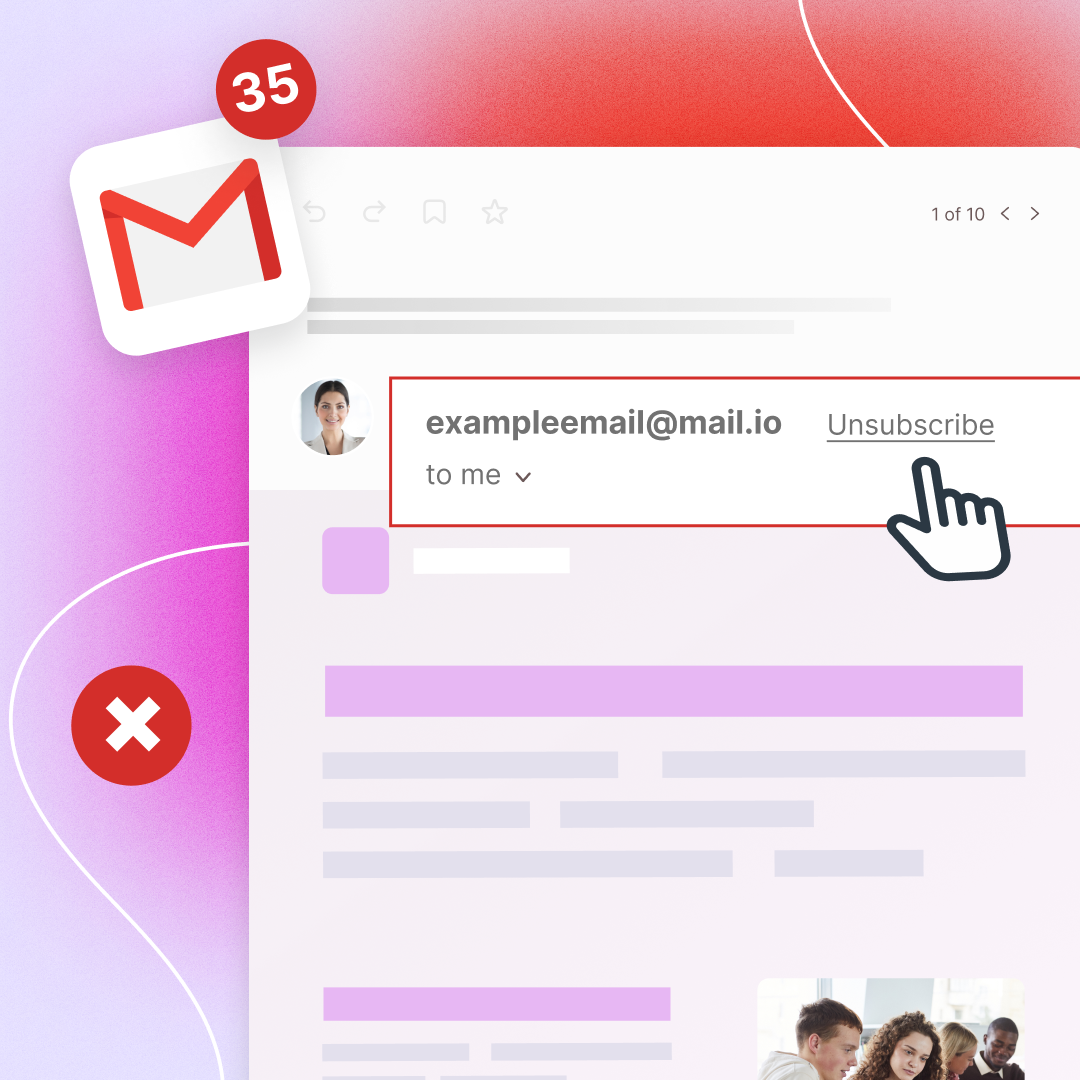
Starting February 2024, Google is enforcing a new policy that requires all emails to have an unsubscribe link in the email header. Read more here. Using Pingram, you are automatically compliant with this policy, as we include the unsubscribe link in all outgoing email headers (not the content).
Google will use this link to display a unsubscribe link in the Gmail UI, as shown below:
How does it work?
- Add
{{ pingram.unsubscribe }}anywhere in your templates, e.g. as the URL of an “unsubscribe” button.{{notificationapi:unsubscribe_url}}still works. - Our system replaces this with a unique URL
- Clicking the URL will unsubscribe the user from that particular channel for that particular notification
- The user will see the Unsubscribe Page with the option to re-subscribe:
Language
The page follows the browser language. To force a language, append &locale= directly to the merge tag, with no space:
<a href="{{ pingram.unsubscribe }}&locale=fr-CA">Se désabonner</a>The generated link already has a query string, so the separator is &. A second ? is attached to notificationId, and the unsubscribe applies to the wrong notification type.
locale |
Page language |
|---|---|
en |
English |
fr |
French, shared wording |
fr-CA |
Canadian French. fr_CA is accepted. |
fr-FR |
French as used in France |
es |
Spanish, shared wording |
es-ES |
Spanish as used in Spain |
es-MX |
Spanish as used in Mexico and Latin America |
de |
German |
pt or pt-BR |
Brazilian Portuguese |
pt-PT |
Portuguese as used in Portugal |
it |
Italian |
Other regions of a supported language use the shared wording (fr-BE uses fr, es-AR uses es, de-AT uses de). An unsupported value falls back to the browser language, then English.
Per recipient, when the stored value is a tag such as fr-CA or fr_CA:
<a href="{{ pingram.unsubscribe }}&locale={{ user.properties.locale }}">Unsubscribe</a>Gmail’s one-click unsubscribe uses the email header and does not render this page. Put locale on the visible link.
Want to react in real time when a user unsubscribes? Configure an
Events Webhook to receive an
EMAIL_UNSUBSCRIBE event.